A Live View, with Your Chosen Filter
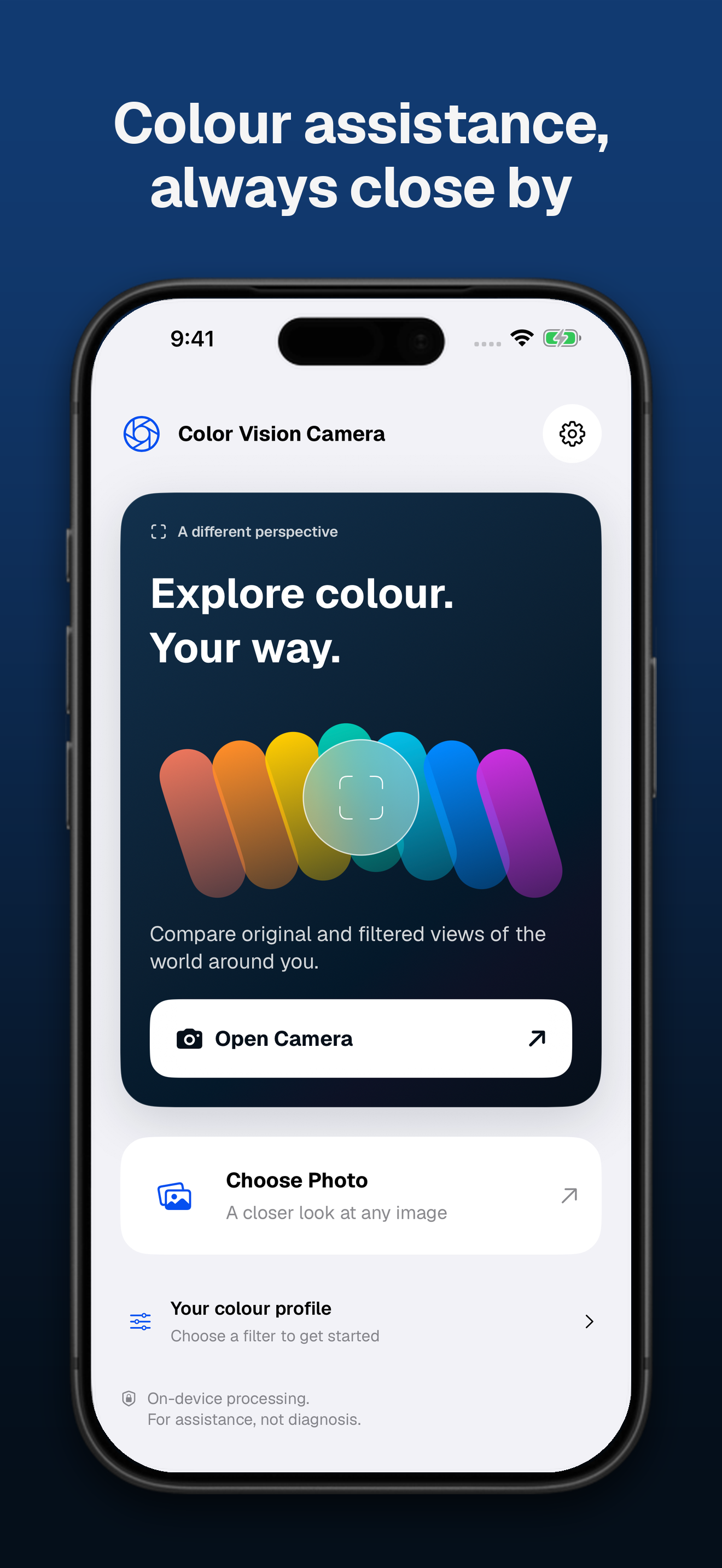
Explore your surroundings through a colour filter. Compare with the original, open the full-screen view, freeze a frame, or save a capture to Photos.
Saved captures use the live preview resolution rather than full-resolution camera stills.
Take a Closer Look at Photos
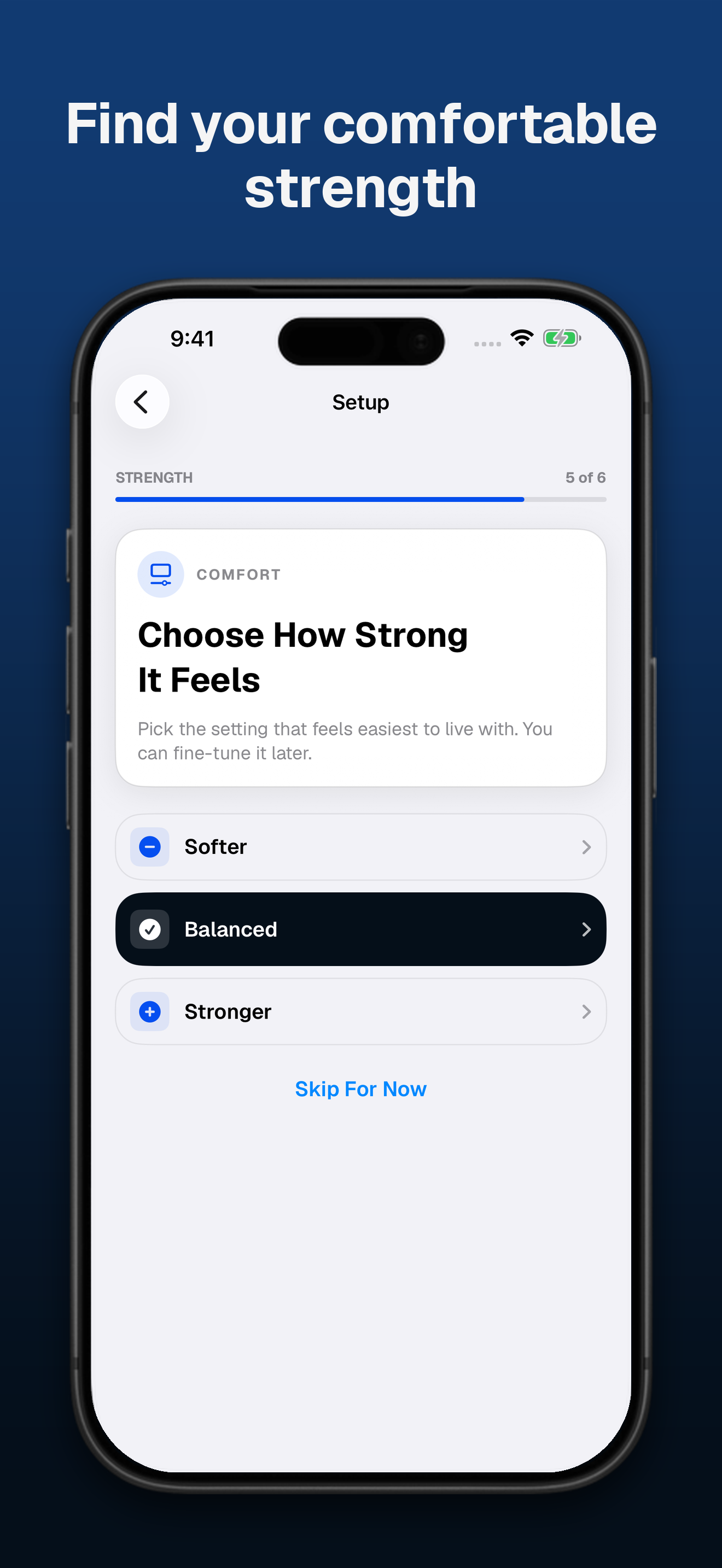
Choose a photo from your library, try different filters, and adjust their strength. Zoom in to inspect details and compare the filtered view with the original image.
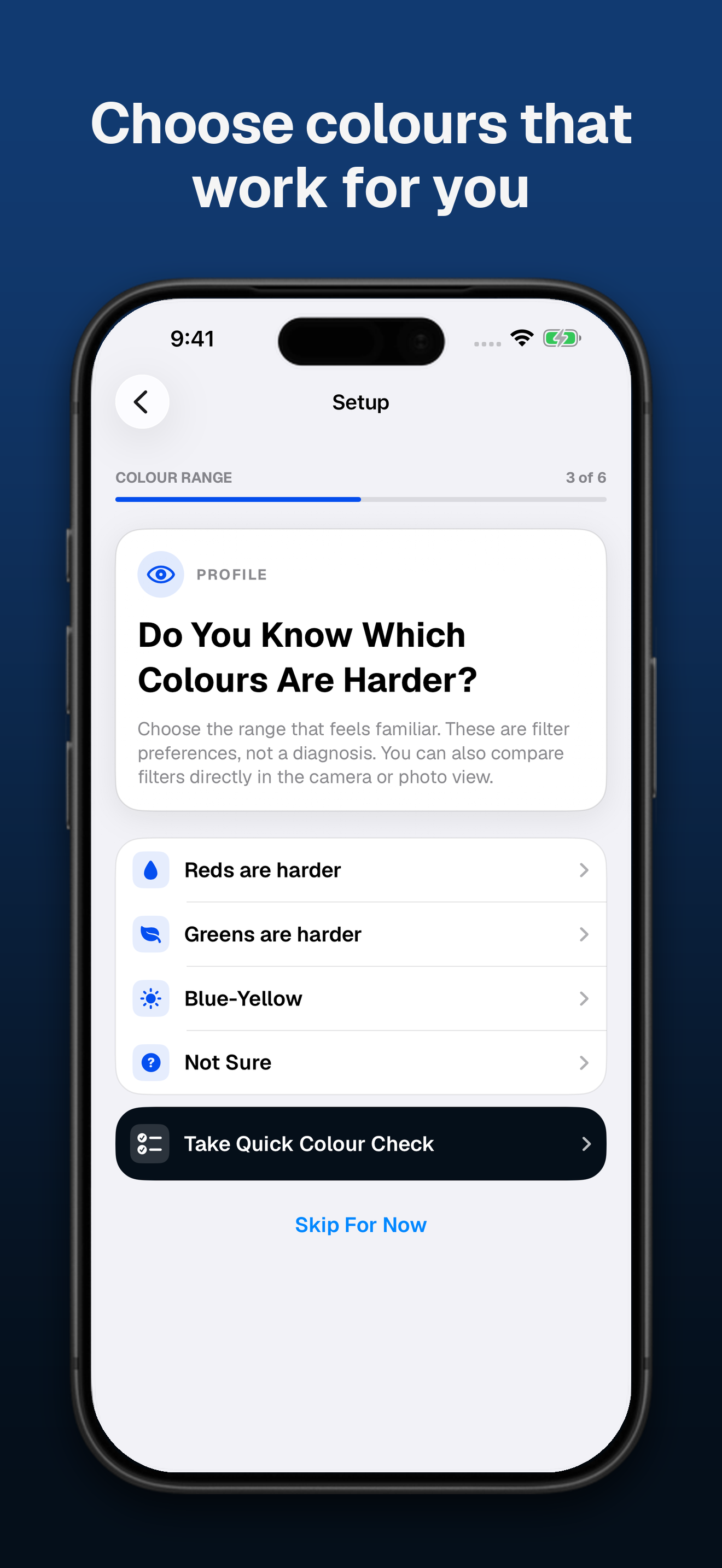
Find Your Colour Preferences
Choose a known colour-vision preference or explore a short visual preference check. Change filters manually and reset your saved profile whenever you like.
The preference check is not a medical assessment.
What to Keep in Mind
Results vary with the person, scene, camera, display, and lighting. Color Vision Camera does not diagnose, treat, cure, or correct colour blindness and does not guarantee accurate colour.
Do not rely on it alone for traffic signals, medicine labels, electrical wiring, or other safety-critical decisions.